OData
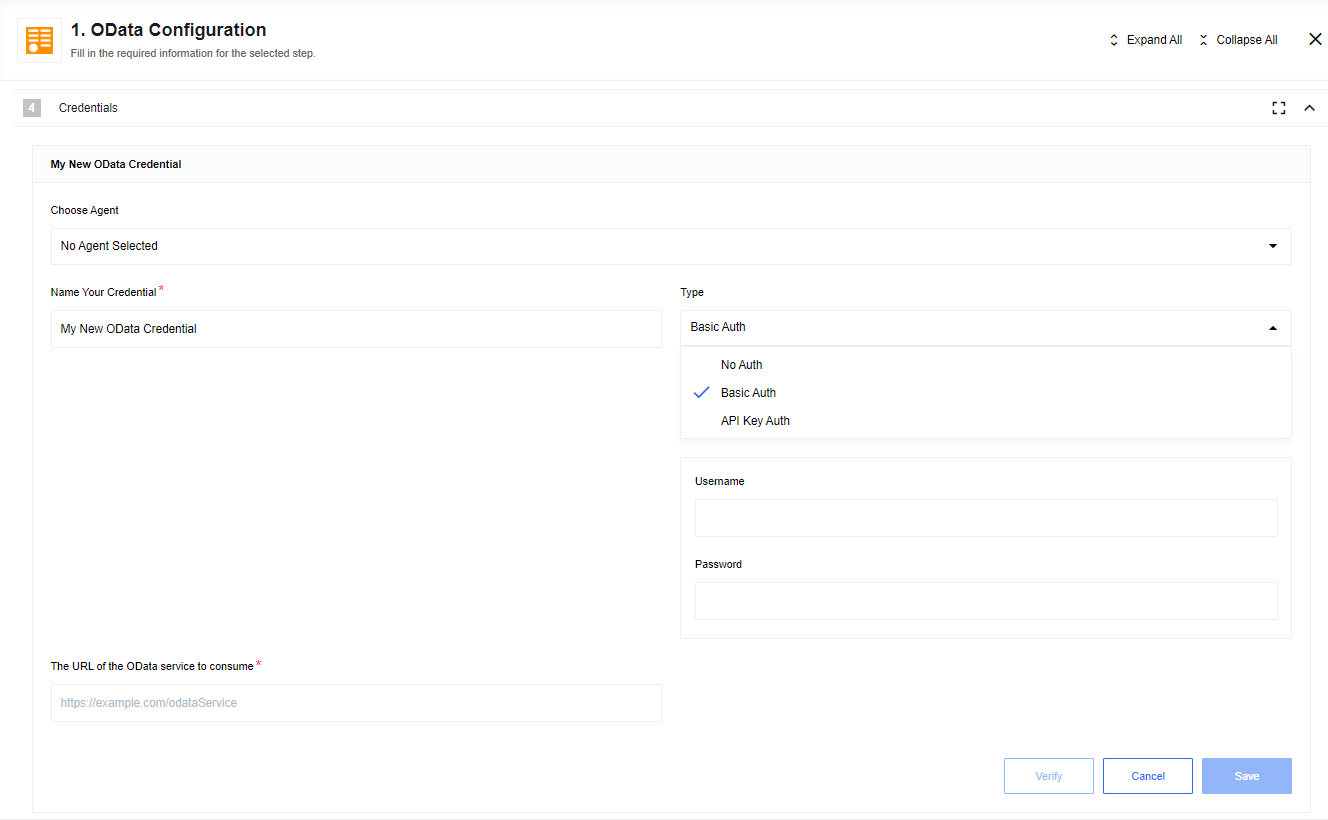
The Open Data Protocol (OData) is used to query and update data. This component works with generic APIs that implement the OData v4 specification.
Triggers
This component has one trigger.
Get objects polling
Get objects that have been modified or created.
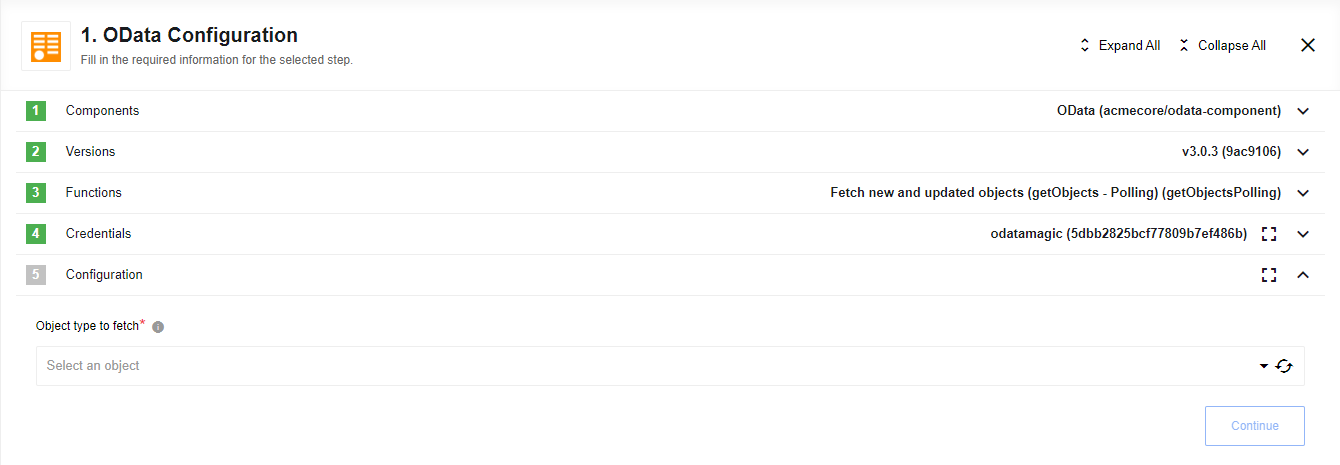
The component covers all programmatically detectable object types. When you select this trigger, configure the Object type to fetch input first. The drop-down displays a list of all object types on the system.
This trigger relies on the service implementing OData delta links. Not all services (for example, TripPin and NAV/Business Center) support this.
Actions
This component has two actions.
Lookup object by field
Given a field and a field value that matches exactly one record, find that matching record.
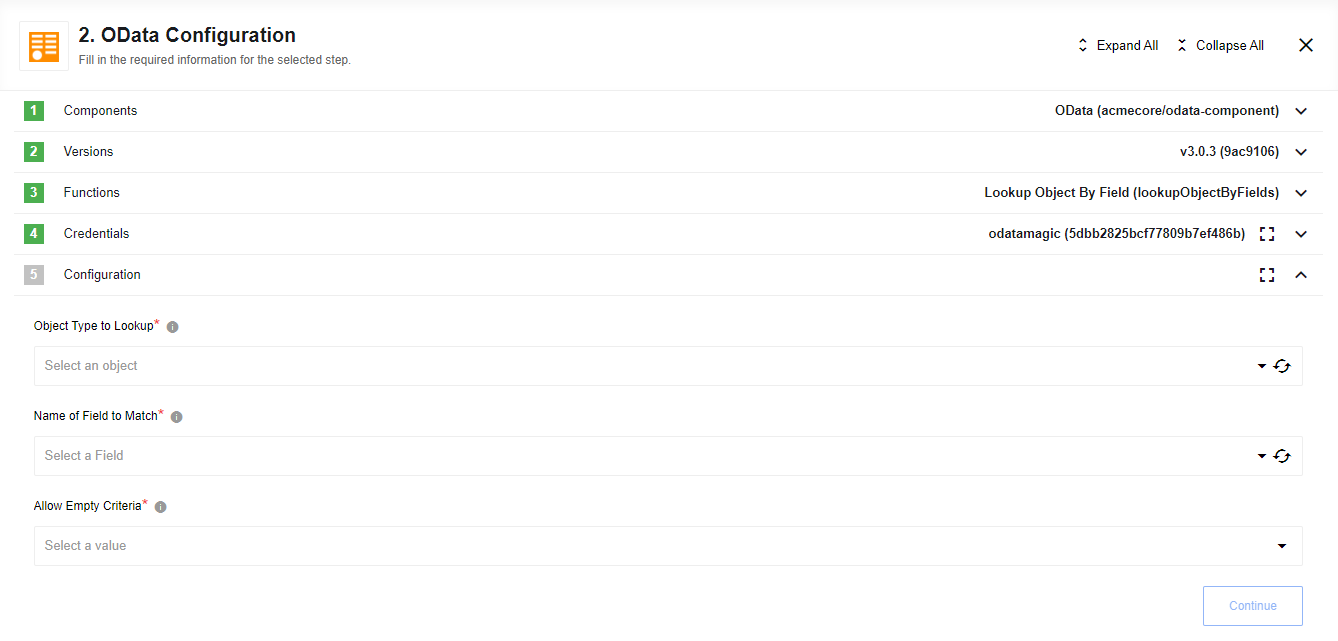
There are three configuration drop-downs:
- Object Type to Lookup
-
Select the object type. The drop-down displays all programmatically detectable object types on the system.
- Name of Field to Match
-
Select a field to compare against. This returns a list of all fields on the object selected in the Object Type to Lookup drop-down.
- Allow Empty Criteria
-
Configure whether the lookup operation is skipped (that is, the component emits an empty message) if all criteria are empty.
Upsert object by ID
Update an existing entry with the ID provided. Otherwise, create a new entry.
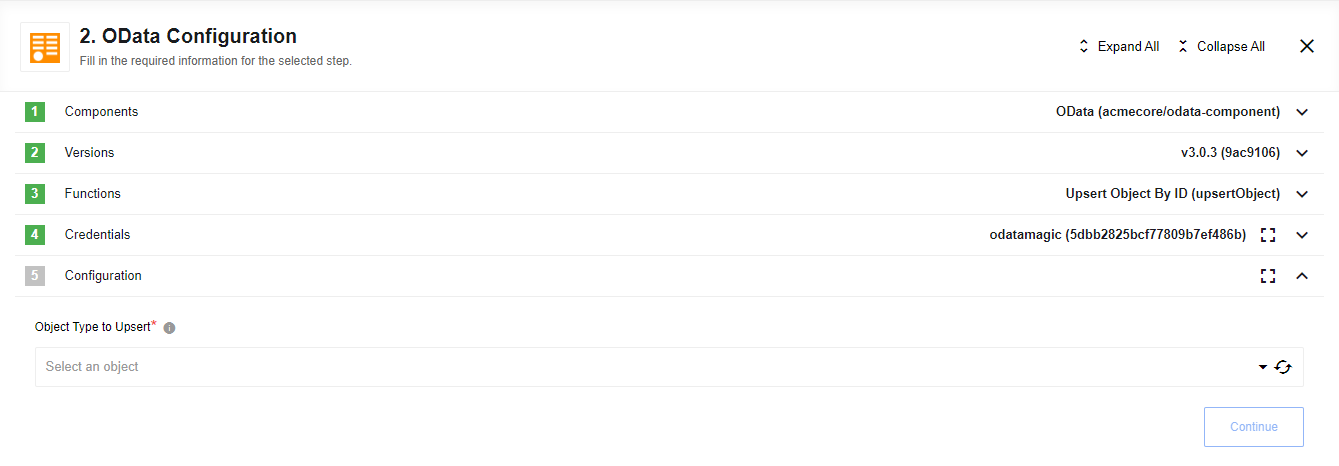
The component covers all programmatically detectable object types. Configure the Object type to fetch input first. The drop-down displays a list of all object types on the system.
Known limitations
-
False positives sometimes occur when verifying credentials.
-
The list of selectable object types for an action or trigger does not reflect that some object types are read-only, not modifiable, or not deletable.
-
Metadata does not expose the IDs of linked objects as fields.
-
This component has not been tested on a local agent.