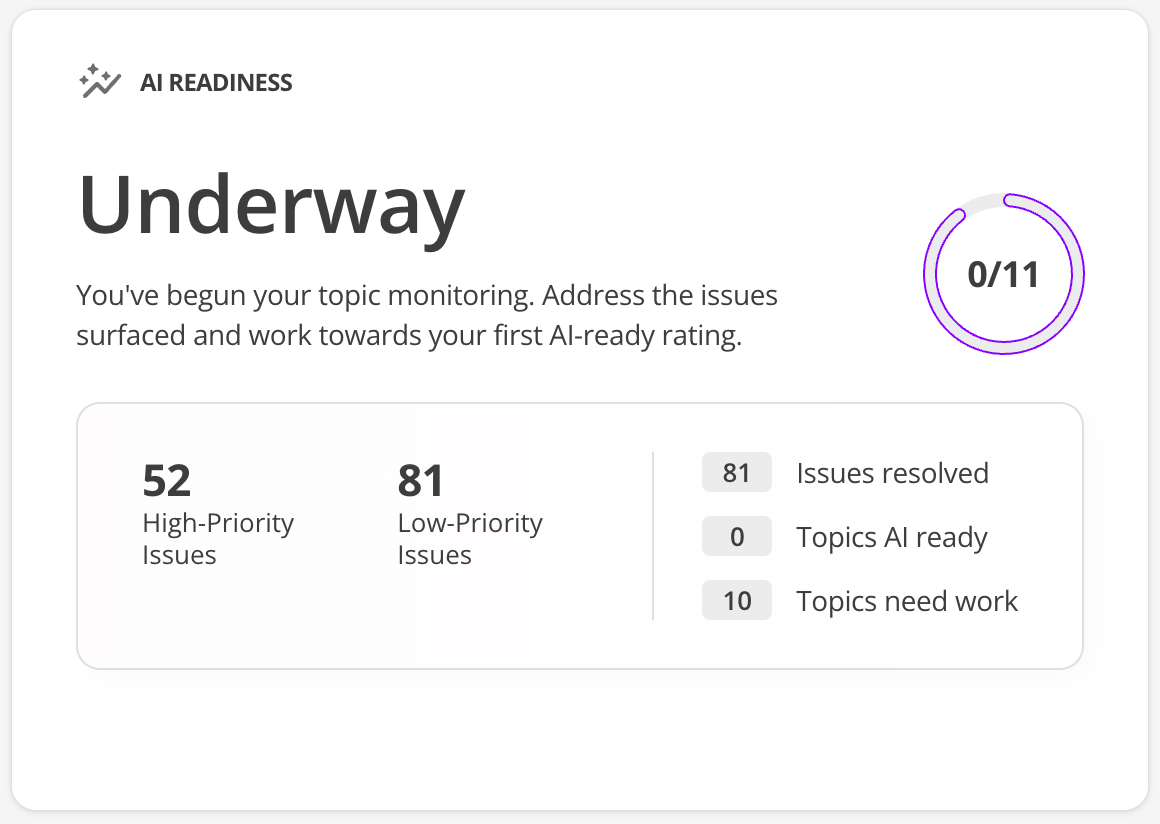
Content Health dashboard
After you Add a site to the Content Intelligence dashboard the Content Health dashboard it appears in the site listing for that dashboard.
Each site listing shows information about the most recent scan and when the next scan is scheduled to run.
From here you can select any of the sites you have enrolled and be taken to the Overview page.
Overview
The Overview page provides accessibility and AI readiness scores that you can use to quickly gauge how your content health is tracking.
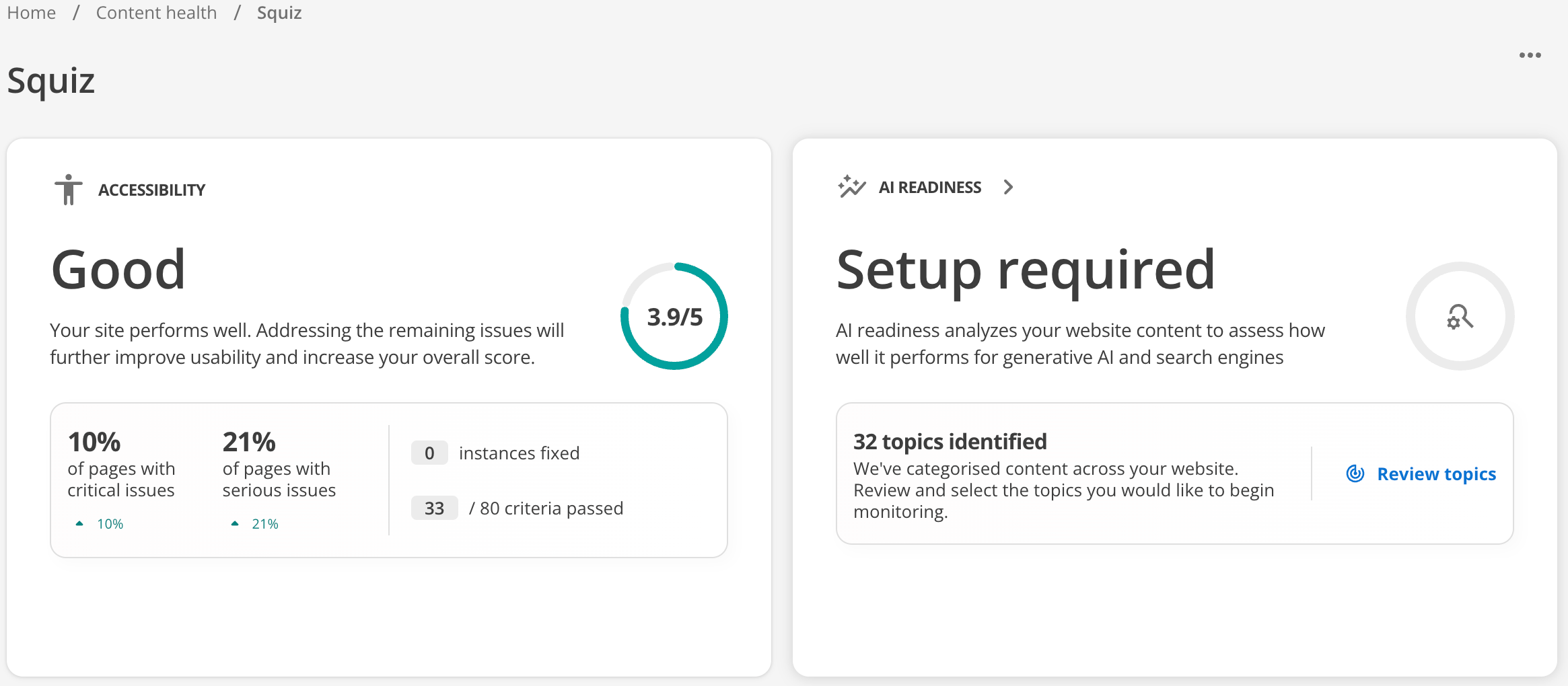
Accessibility health information appears on this page after you add a site and the initial scan completes. AI Readiness health information appears on this page once you start monitoring topics.
When you Monitor a topic area insights in relation to that topic appear as soon as the audit finishes.
Accessibility tile
This tile opens the Accessibility Auditor dashboard.
The Accessibility Auditor lets you review detailed reports on how accessible your content is and what needs fixing to comply with accessibility requirements.
AI Readiness tile
This tile opens the AI Readiness dashboard.
If you are visiting this area before any topics are monitored, you’ll be invited to Monitor a topic area to monitor your content health from the perspective of AI readiness.
The AI Readiness tile updates with a readiness score once audit data is prepared for the topics you selected for monitoring.