Check audit info and download a CSV report

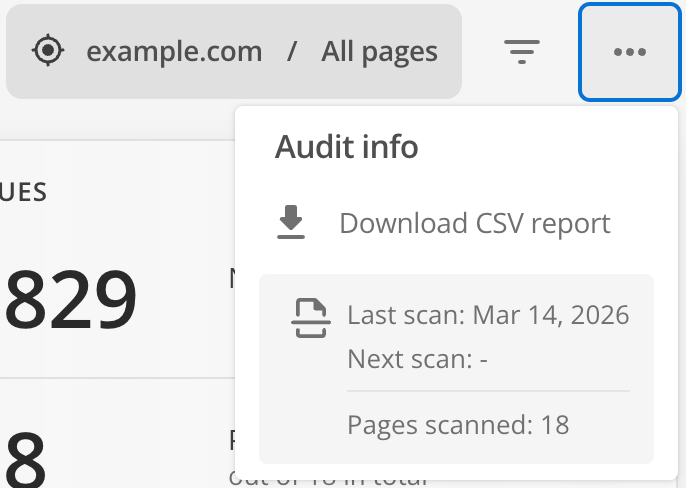
The Audit info menu offers basic information about your scans.
a11y auditor audit info csv
Figure 1. Audit info menu

The menu offers these options and details:

  • An option to download a CSV report of the audit for external analysis purposes.

  • Scan status details which include these insights:

    • What date the last scan was run.

    • When the next scan is scheduled to run.

    • How many pages were scanned as part of that scan.

Download CSV report

The Download CSV report option can be useful if you would like to share site audit progress with other teams.

The report gives you a summary of key dashboard insights but does not contain specifics of the audit rules or recommended fixes.

To download a report in CSV format:

  1. If you are monitoring more than one domain, select your chosen domain from the menu.

  2. From the dashboard click Audit info  Download CSV report.

  3. Select a saved view from the available scopes for the domain.

    Selecting an option other than "All pages" will include totals and summary information from that set of child pages within the selected domain.
  4. Select the report type based on the level of information you need.

  5. Click Generate and wait for the report to be produced.

  6. Once generated, click Download to save the report to your computer.