Configuring layout properties on a content page
Layout properties increase layout flexibility. Use them to configure variations for a single layout, such as toggling a sidebar or setting column widths.
This section describes how to configure layout properties on a content page.
| The same process applies when using layouts on a content template. |
Prerequisites
-
You understand what layouts are and how to create them, as described in Layouts documentation.
-
You have at least one layout deployed to the DXP and available for use on your site.
-
You have added a layout to your content page
-
The layout has properties defined in it’s
manifest.jsonfile.
Updating layout property values
When a layout includes properties in it’s manifest.json file, a Layout settings icon appears in the layout’s toolbar in Page Builder.
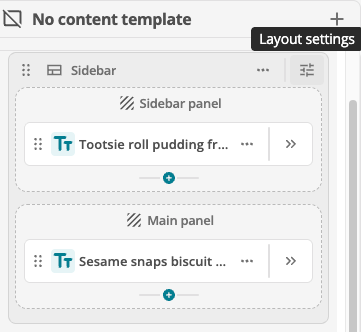
Clicking this icon opens a configuration panel where you can set the values for the defined properties.
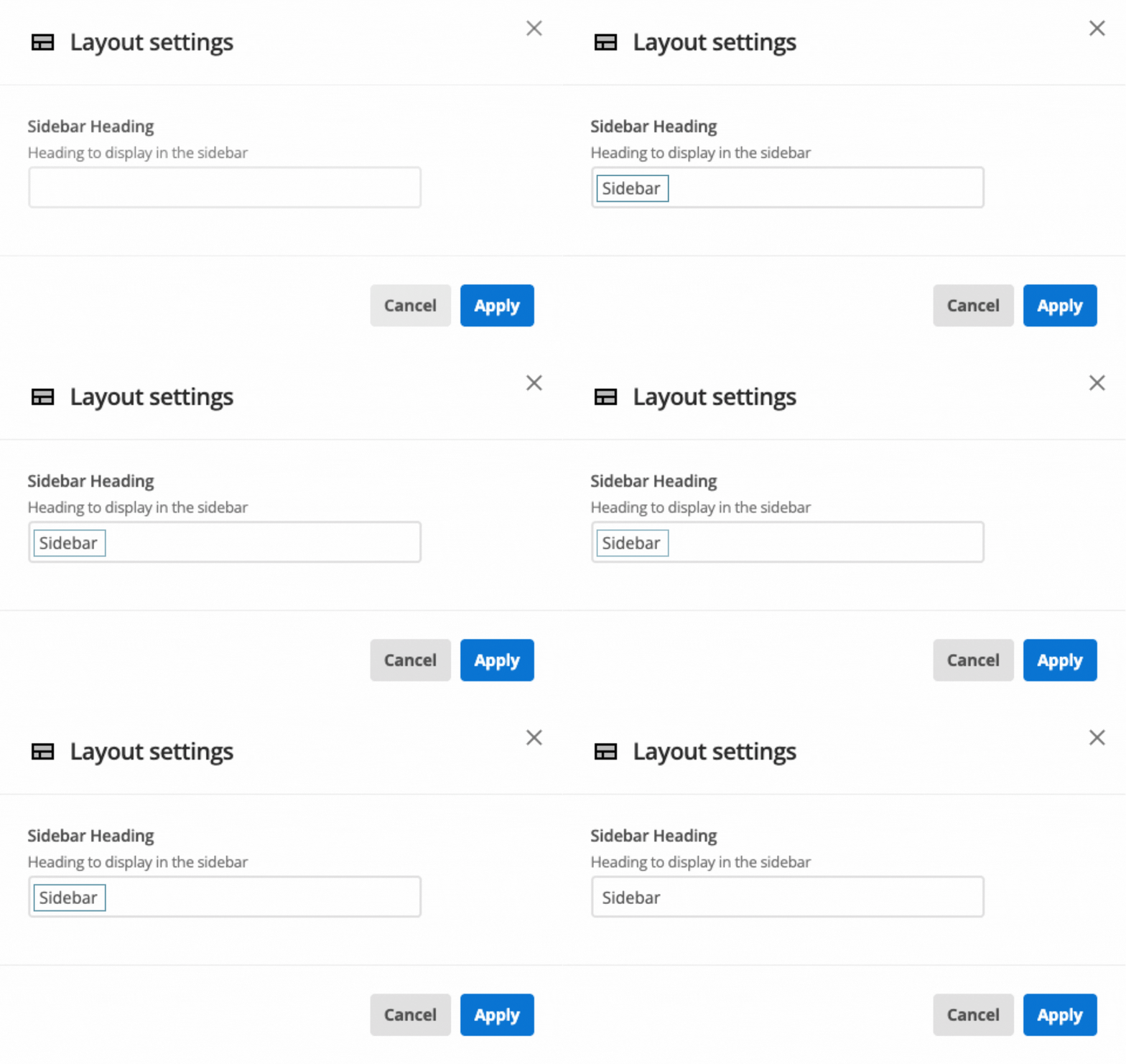
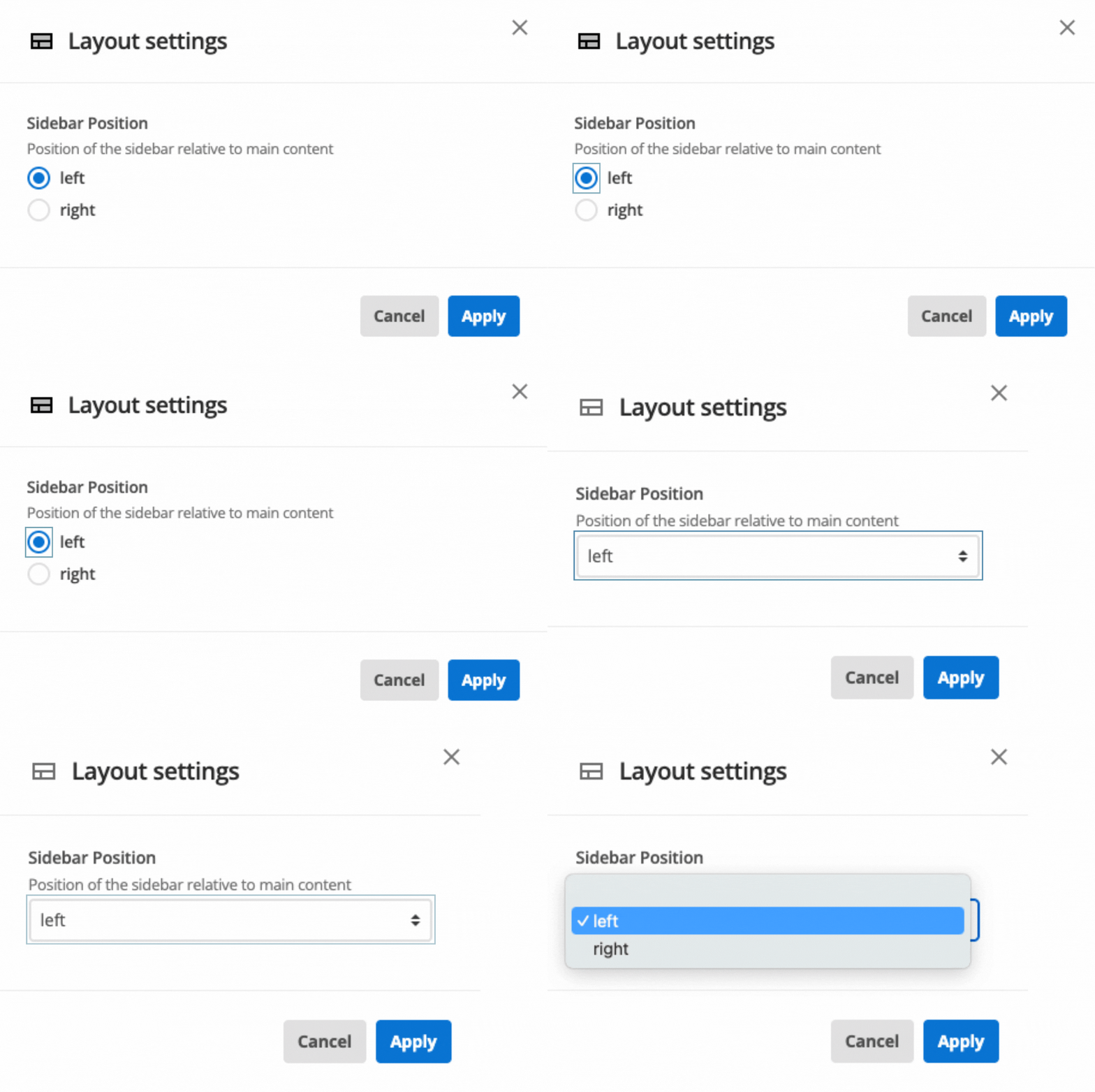
Depending on how the developer has configured the layout, you can configure different types of properties.
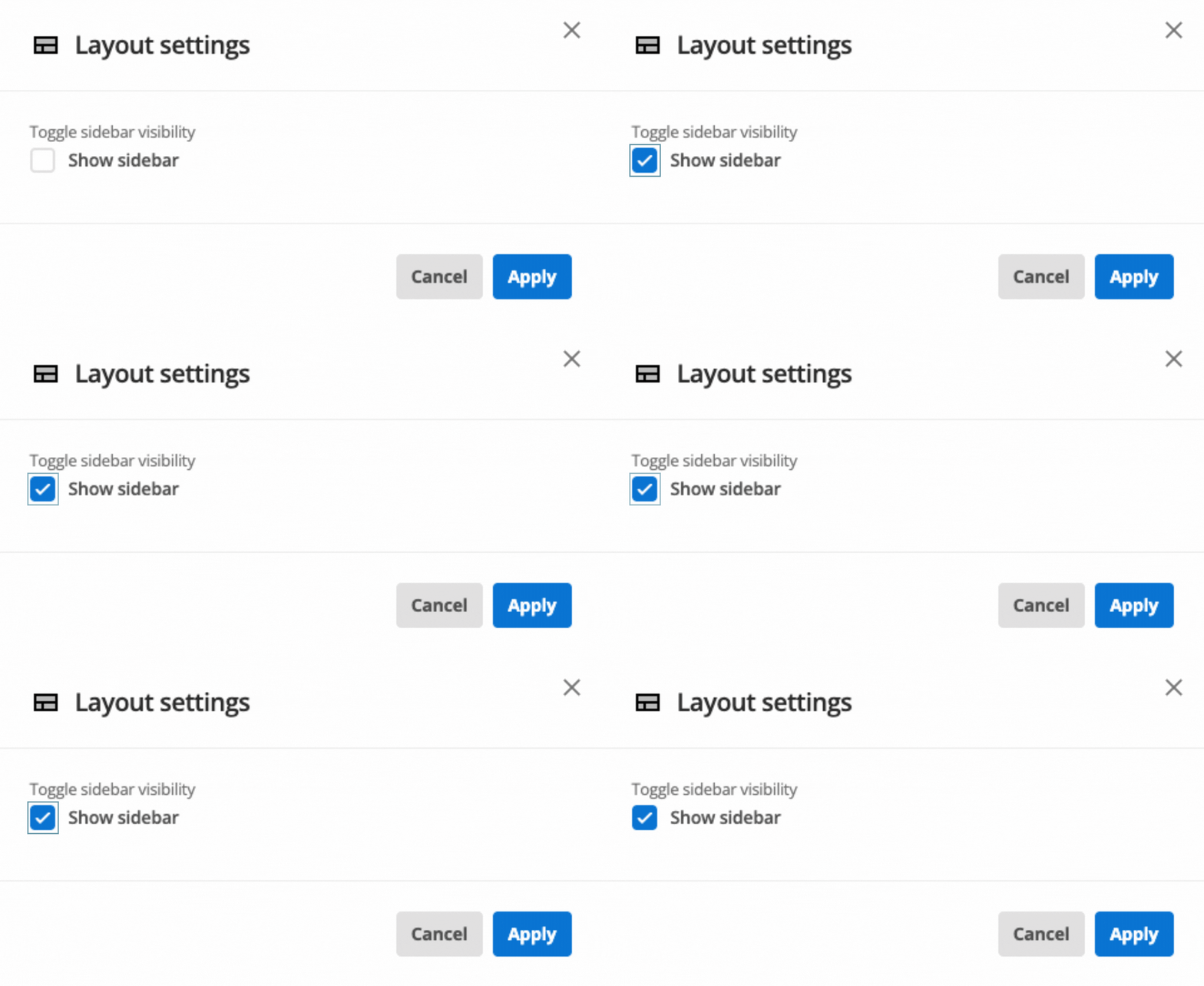
Boolean properties
Booleans enable you to toggle settings on and off (for example, "Show Sidebar").