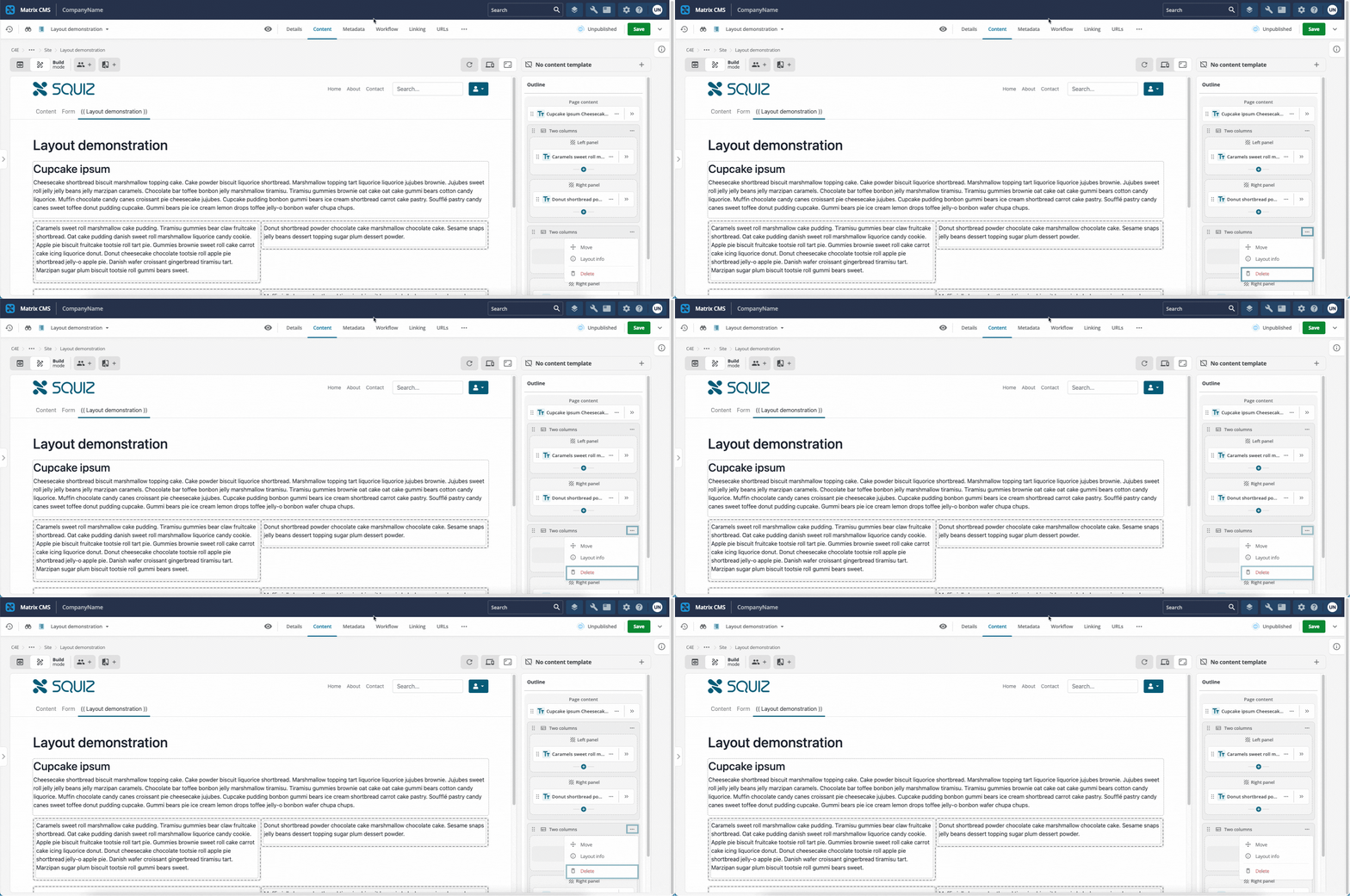
Deleting a layout from a content page
This section describes how to delete a layout from a content page.
| The same process applies when using layouts on a content template. |
Prerequisites
-
You understand what layouts are and how to create them, as described in Layouts documentation.
-
You have at least one layout deployed to the DXP and available for use on your site.
-
You have added a layout to your content page