Layout information
This section describes how to view layout information on a content page.
| The same process applies when using layouts on a content template. |
Prerequisites
-
You understand what layouts are and how to create them, as described in Layouts documentation.
-
You have at least one layout deployed to the DXP and available for use on your site.
-
You have added a layout to your content page
Viewing layout information
To show information about the layout, select the Options icon (…) and select Layout info.
The information shown includes whether the layout is tagged as Development or Production. It also includes the version and the zone name and display name for each of the layout zones.
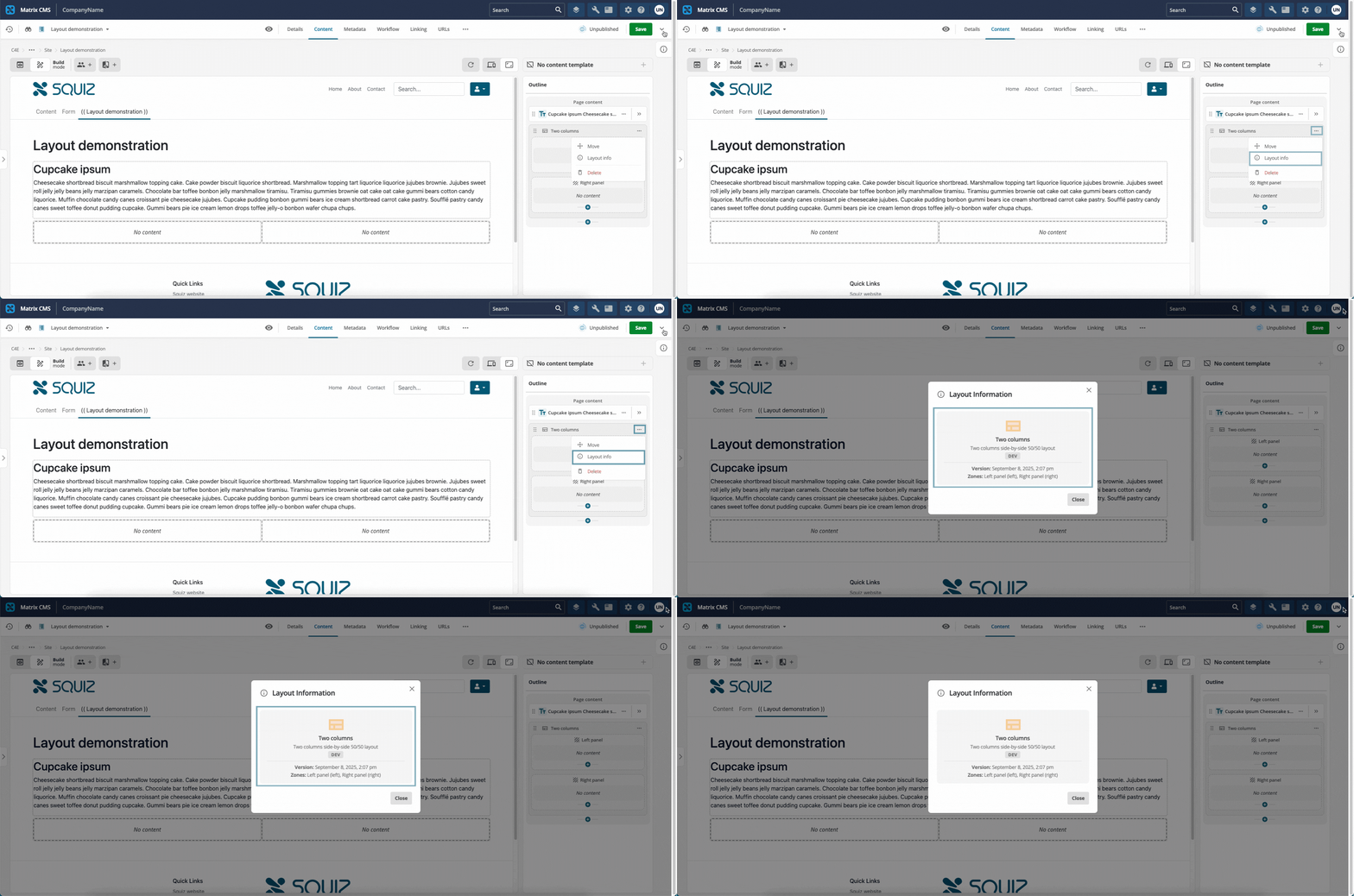
Figure 1. Layout information dialog.