Using starter content on a content page
When a template defines starter content, this content will appear in the appropriate page-managed zones when the template is first applied to a page.
This serves as a starting point for page editors, helping them to understand what belongs in the zone and providing ideas and recommendations on how to structure it.
Appearance
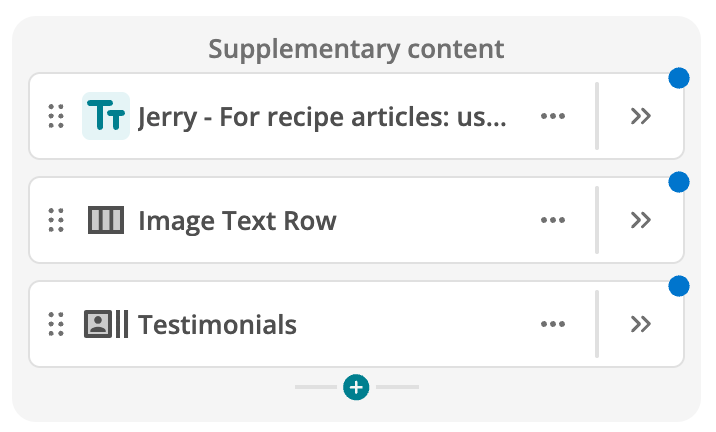
Starter content blocks are distinguished by a blue notification that persists until the page editor interacts with the block, updates it, or saves the page.
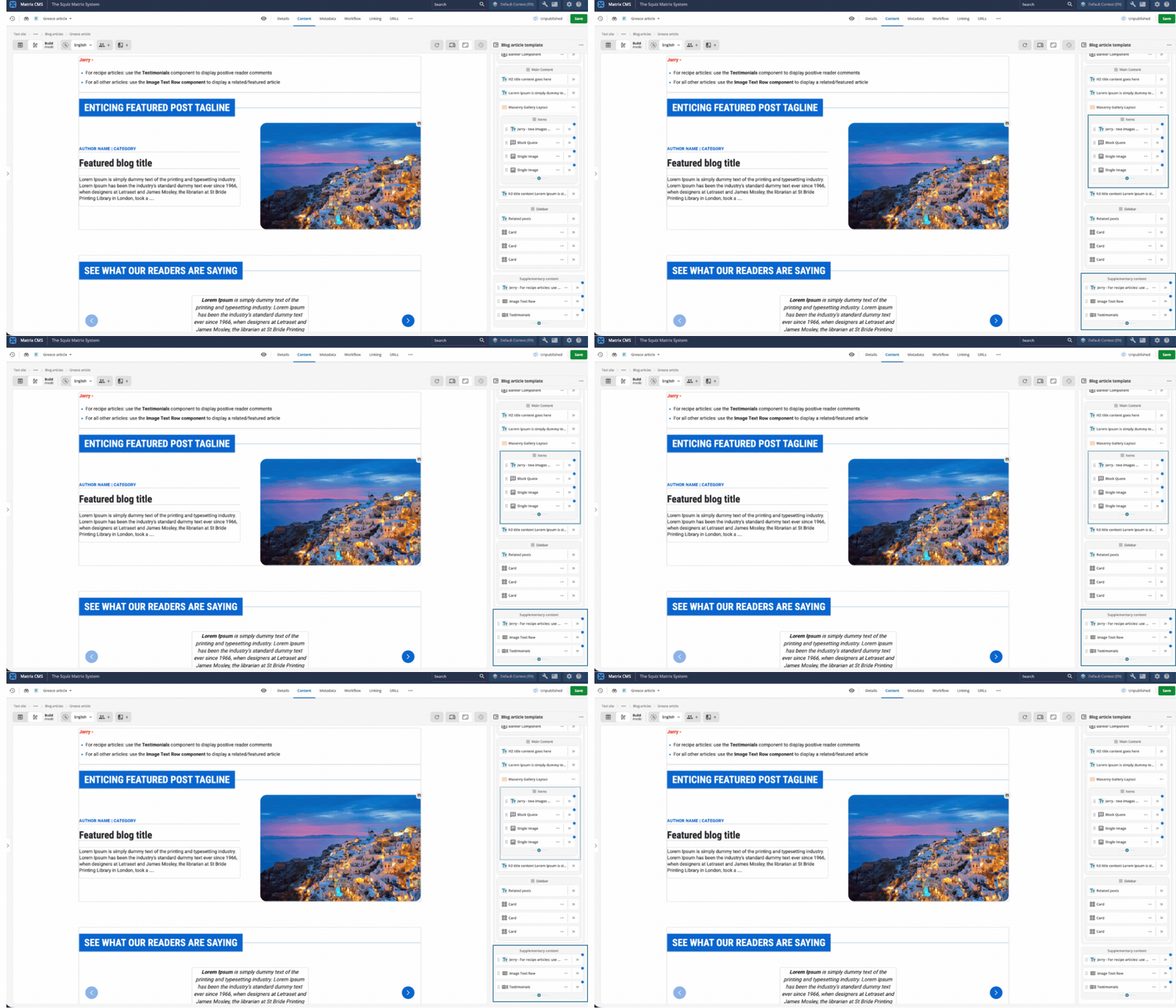
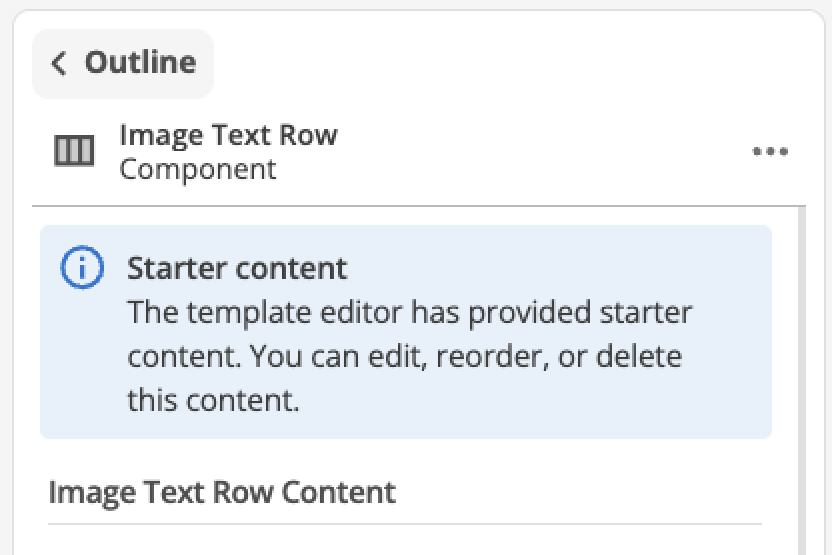
Investigating the notification reveals an informative message in the block’s Edit Panel. This message remains until the page is saved.
|
Starter content in a primary content zone.
If the template author has defined starter content in a primary content zone, it will appear above any saved page content that flows into that zone. |
What page editors can do
Page editors decide how to handle each starter content block. They can:
-
Keep it as provided
-
Edit it content
-
Reorder, or relocate it to a different page-managed zone
-
Personalize and/or include it in an A/B test
-
Follow any guidance provided by the template author
-
Delete the block entirely
|
Zone rules still apply
Zone rules set by the template author still apply to content the page editor adds. |