Preview the component on a page
With an instance of the component added to a page, the page can be previewed with the component being rendered by the Squiz Content Management system.
To preview the added component:
-
Enter Content typed in the Content Screen in the something field in the component on the Content screen
-
Click the Save button for the page.
-
Locate and right-click the page in the Matrix asset tree.
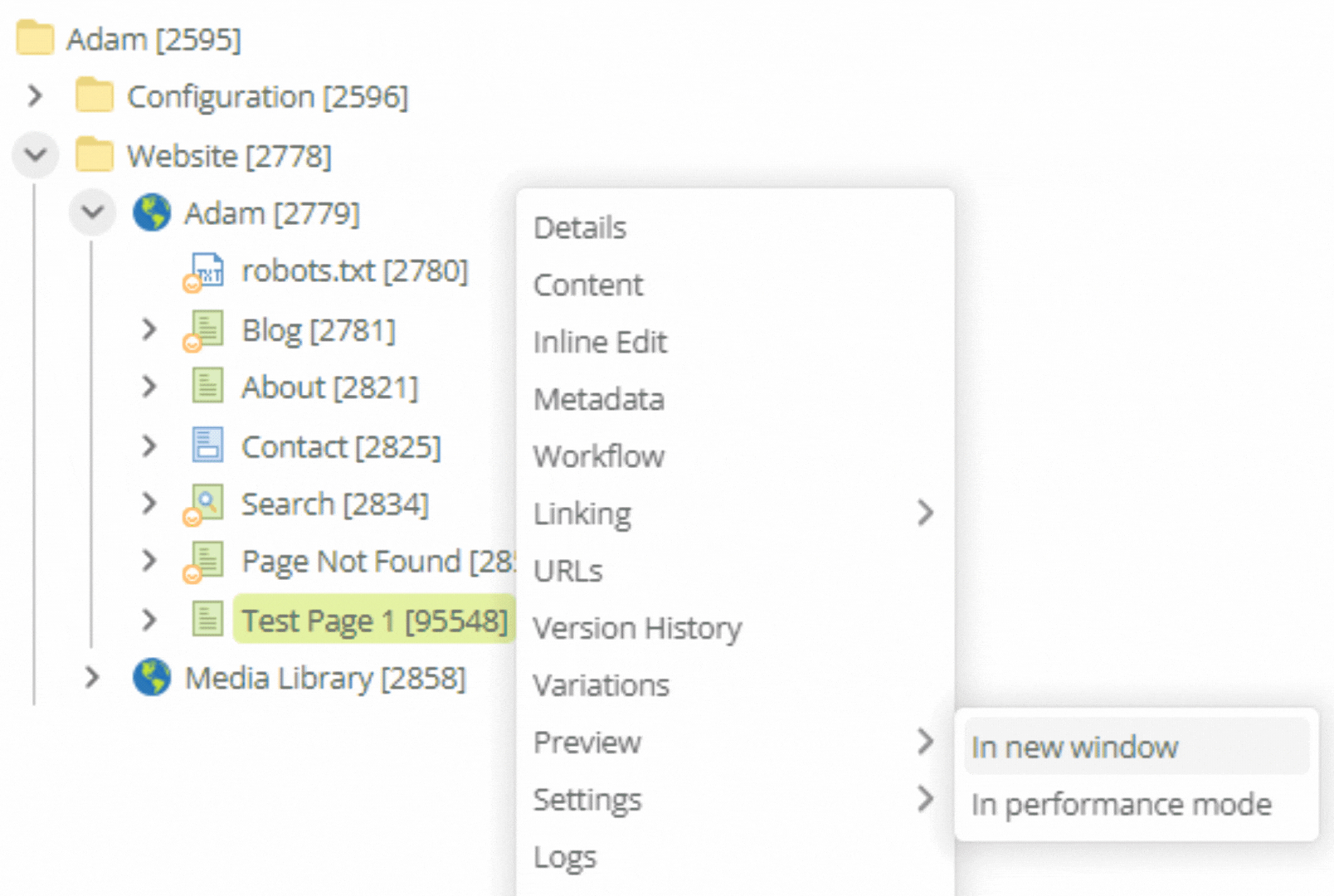 Figure 1. Contextual menu for a site asset in the Matrix asset tree
 -
Select from the contextual menu.
Hello World! plus the entered content — Content typed in the Content Screen — is displayed on the page.
Next Step: no more steps.