Default empty content
When you add a component from the page outline column, the new component appears in the preview column. If the component has no visible output yet, the preview region can look empty. Editors cannot see which region belongs to the component.
Default empty content signals an empty state, so editors know to open the page outline column and add content.
When the component’s main.js script returns an empty DIV under these circumstances, Page Builder applies its default empty state.
The empty state shows a generic No content to display graphic panel with a link that opens the component in the page outline column.
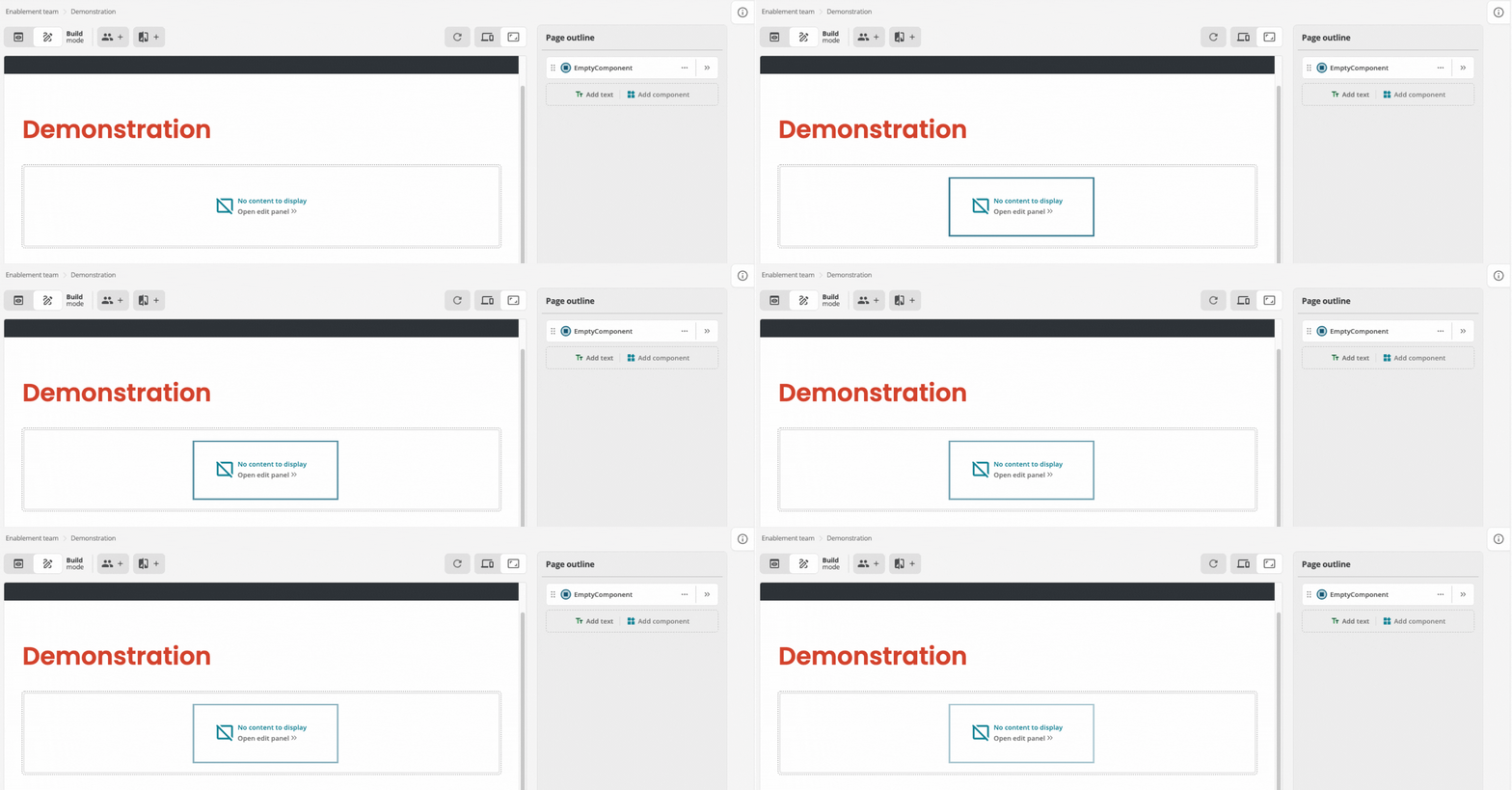
main.js returns an empty wrapper div.Return the following to trigger that empty state:
return `<div> </div>`;When your logic returns an empty element because the editor has not supplied the required data, return the empty <div> </div> instead of an empty string.
That return value matches the condition for the default empty-state visualization in Page Builder.