Building components for the Visual Page Builder
This tutorial walks through changes to component source files that enable Visual Page Builder behaviors.
Components developed in the Component Service can include configuration that changes how they behave in the Visual Page Builder (also known as Page Builder). Those changes do not change how the component behaves on a standard page.
Visual Page Builder behaviors described here are not available when the component runs on a standard page.
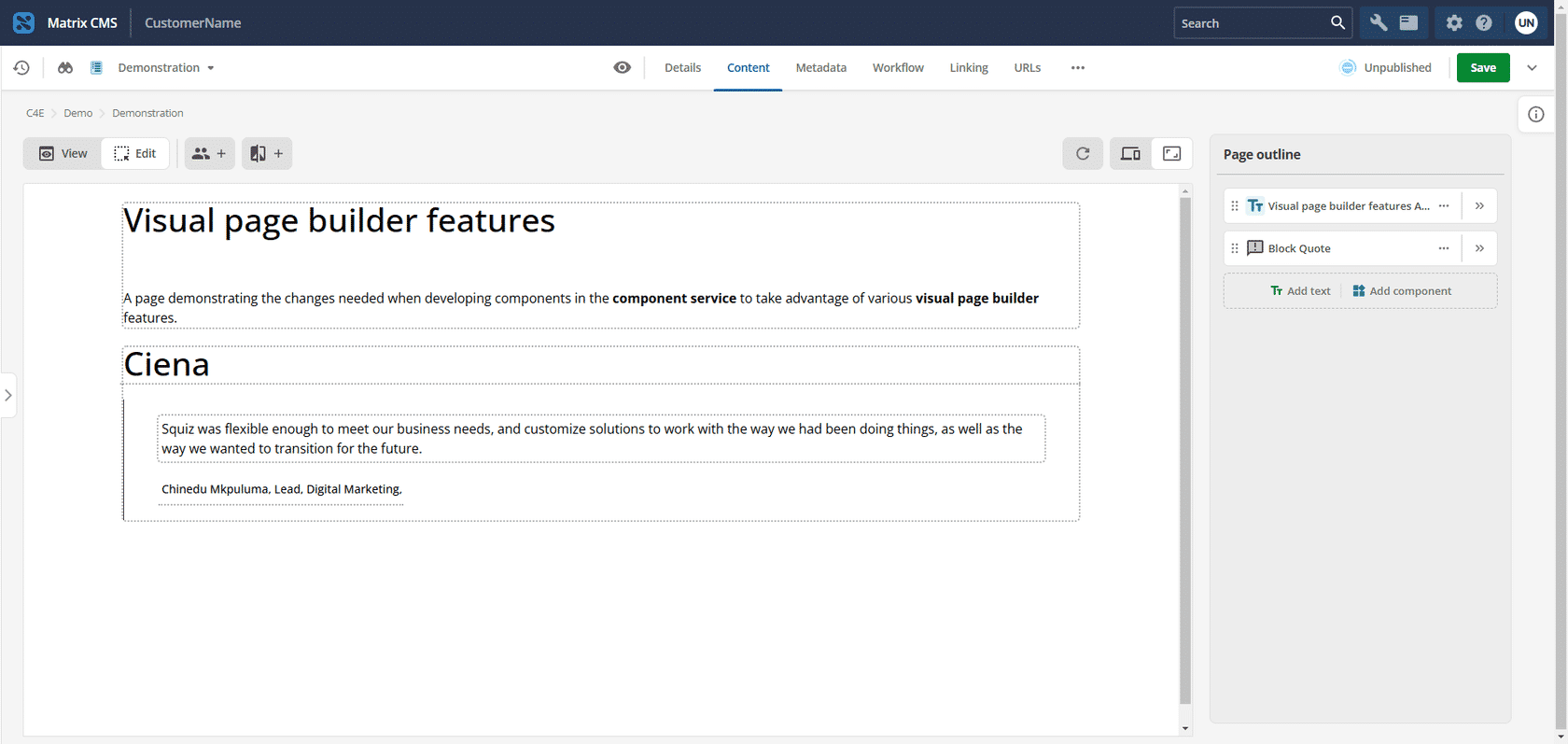
-
Review the goals and prerequisites.
-
Enable properties as quick options to change boolean or string settings directly in the preview column.
-
Enable properties to be inline editable directly on the preview content.
-
Configure related groups of configuration properties to be collapsed by default.
-
Disable the automatic component reload triggered by an editor changing properties.
-
Provide placeholder text inside an empty component field so editors know where to add content.
-
Display a default generic empty screen to signal editors that a component has no content yet.