Add a component to a page
Once a component set has been added to a site asset, the components in the set can be added to a page.
To add a component to a page.
-
Locate and right-click a standard page in the Matrix asset tree.
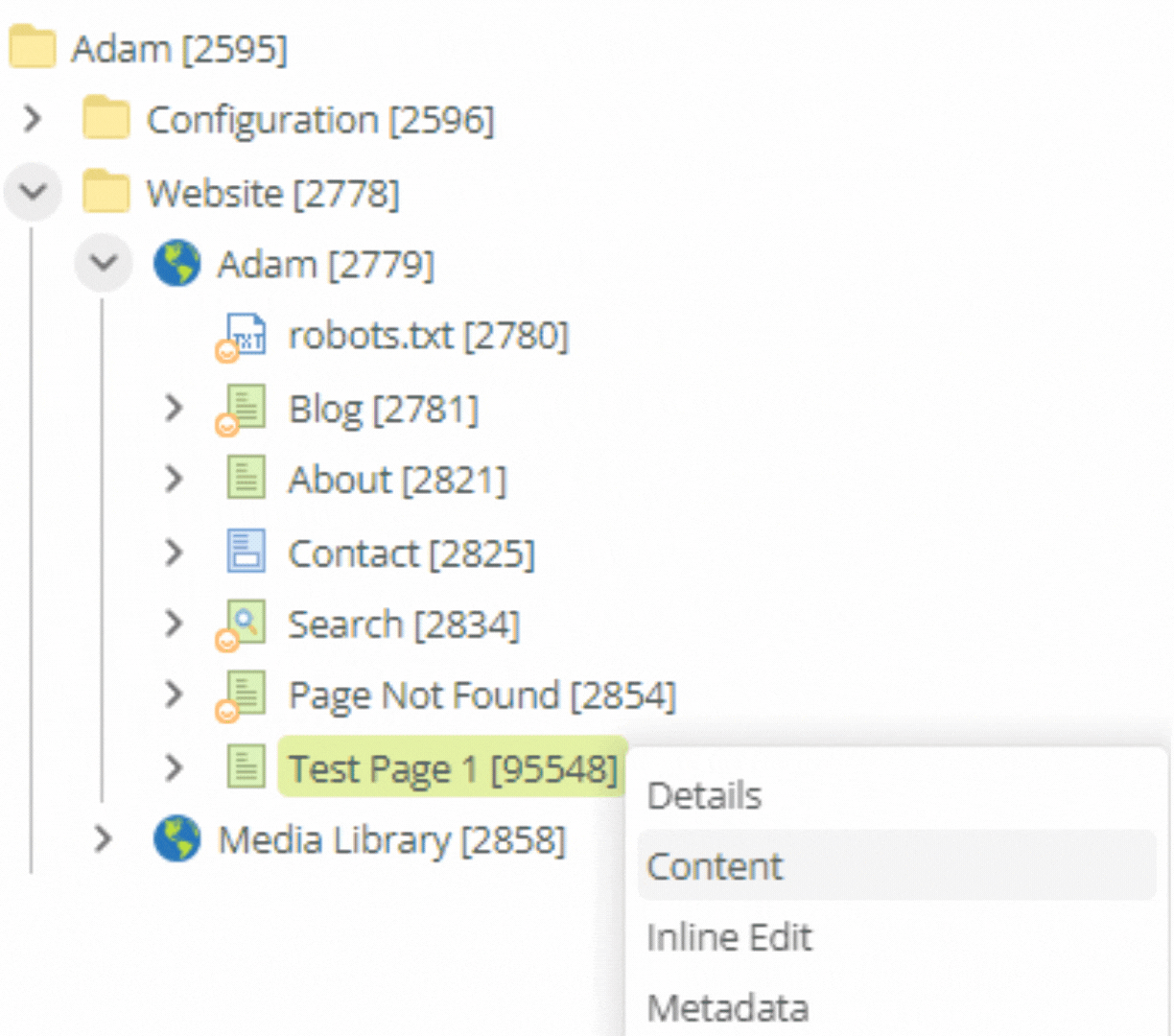 Figure 1. Contextual menu for a site asset in the Matrix asset tree
 -
Select Content from the contextual menu.
-
Acquire editing locks for the page.
-
Click the Add a component ➕ button on the page.
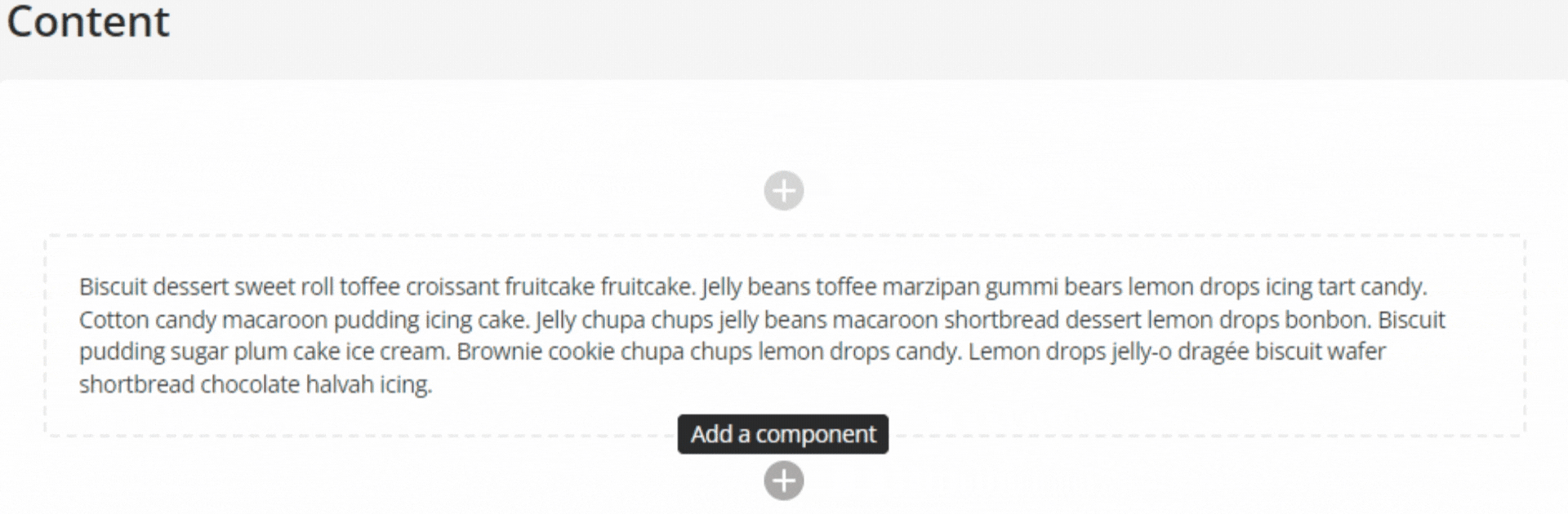 Figure 2. The Content view of a Standard page showing the Add a component button.
The Add a component side panel loads.
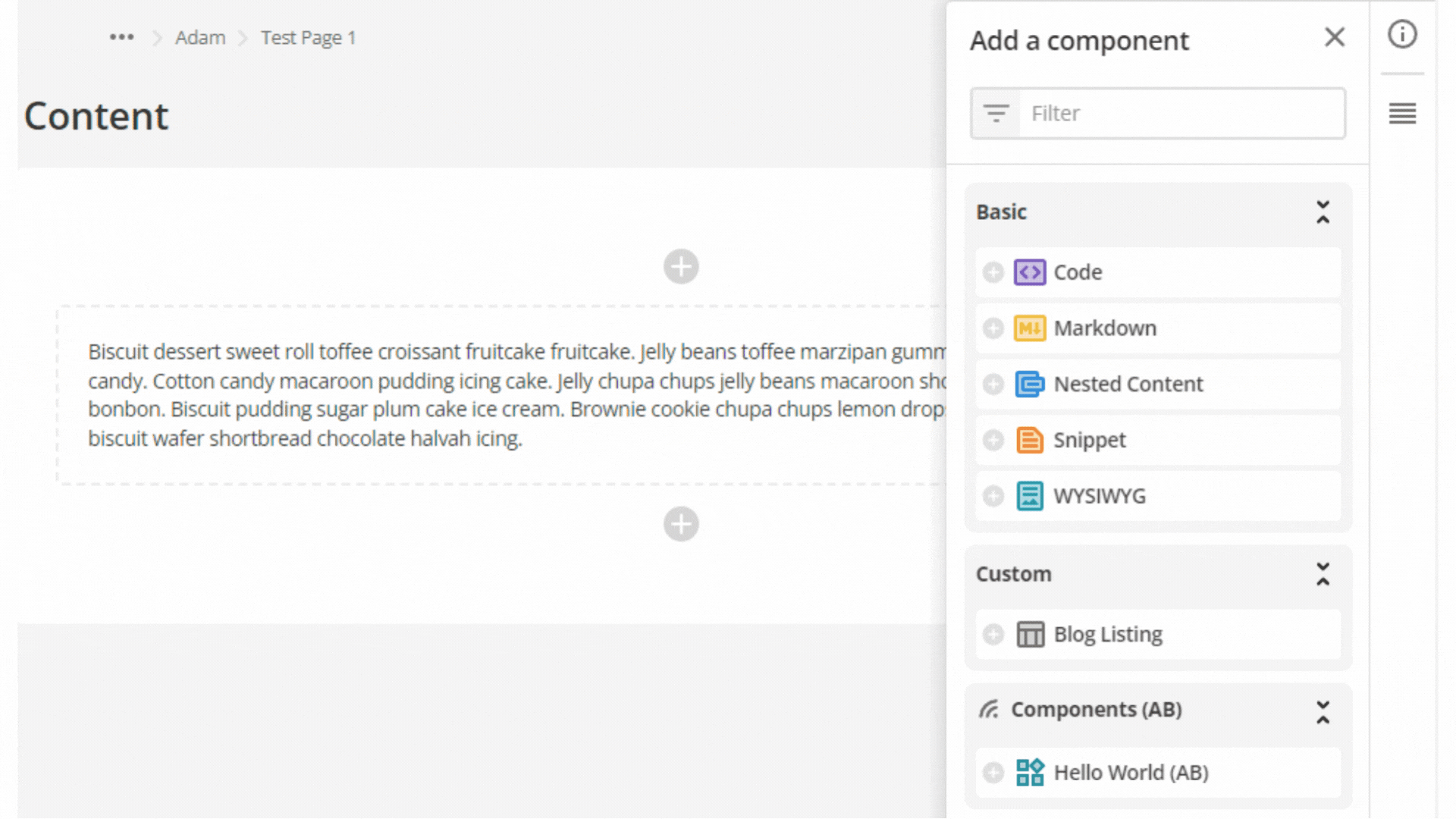 Figure 3. The Add a component side-bar.
 -
Select the Hello World (AB) component from the Components (AB) component set.
An instance of the Hello World (AB) component is added to the page.
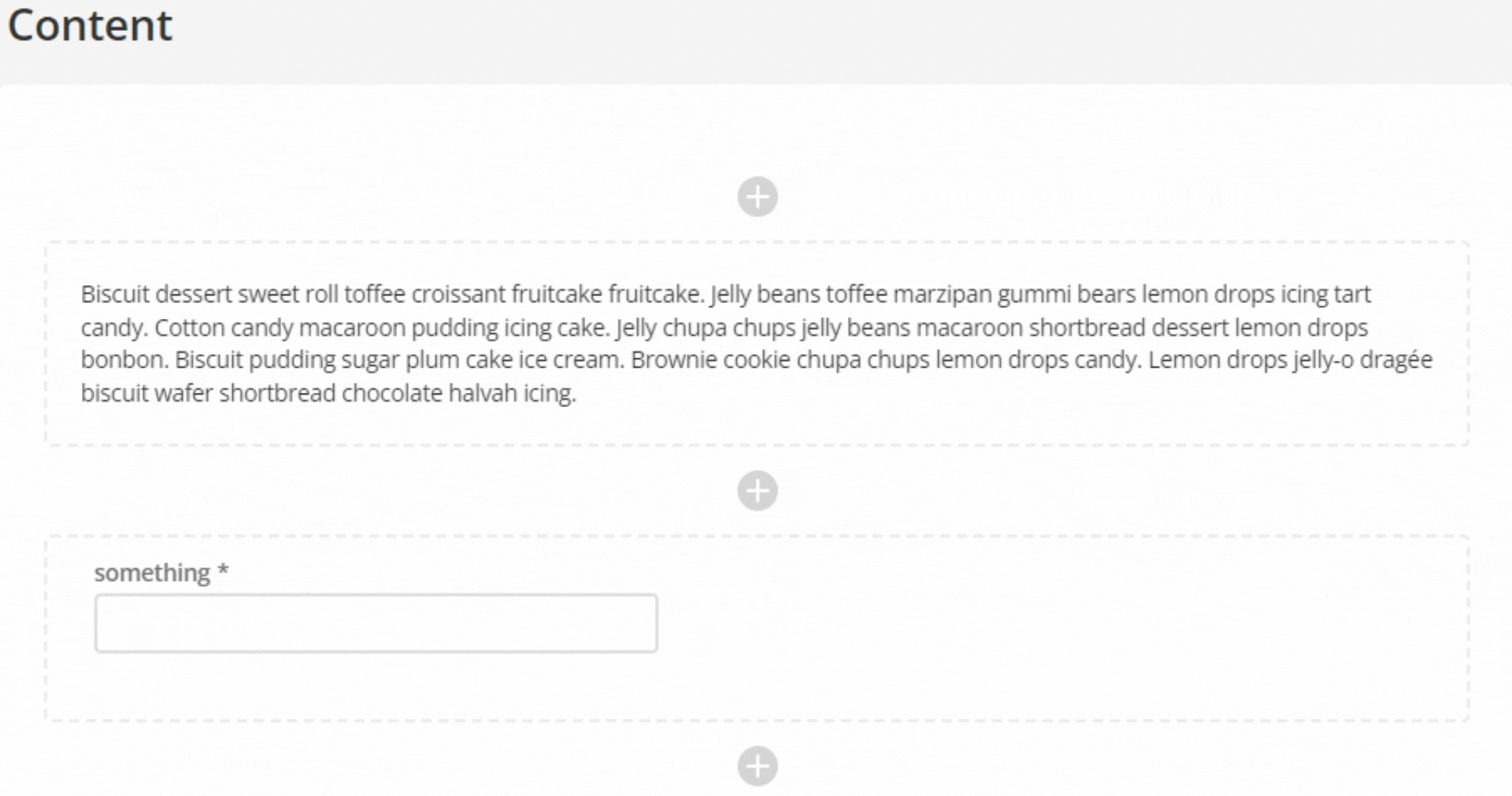 Figure 4. A standard page with an instance of the Hello World (AB) component added.
Next Step: Preview the component on a page