Segment sets
Segment sets categorize groups of segments. For example, you can create a specific group of segments for a particular product category or marketing campaign. These sets serve as containers for organizing the broader list of segments available within an organization.
Segment sets are managed within the Segmentation tab of the Squiz DXP Console.
|
Do not confuse segment sets with rule sets. Segment sets are containers used to group and filter multiple segments. Rule sets are logic groupings within a single segment that define how that segment is evaluated. There is no direct relationship between segment sets and rule sets; they serve entirely different purposes. |
Segments within sets
Specific segments reside within these sets. For example, a set targeting a particular audience might contain various segments related to that audience’s interests or behaviors.
A single segment can exist within multiple different sets. For example, a Frequent buyers segment could belong to multiple different sets used for different marketing purposes.
Segment set overview
This feature addresses the challenge organizations face when managing hundreds of segments used to target different customer groups.
By using segment sets, system administrators or site builders can categorize segments and filter the list. This ensures that content authors are not overwhelmed by a massive list of options. It provides a method for filtering down broad chunks of segments into manageable groups.
Segment uniqueness and deduplication
The system handles potential duplication automatically. If a specific segment (for example, Frequent buyers) is included in multiple selected segment sets, the system ensures it is only loaded and displayed once in the list provided to the user. This prevents users from seeing duplicate segment types in the interface.
Global Squiz DXP services configuration
Global configuration takes place in the DXP Services configuration screen, located under . This area represents the root user configuration or global level settings for the Matrix instance.
Squiz Content Management retrieves the list of segment sets from a live API call to Squiz CDP, ensuring the most current list is always available when configuring the service.
Enabling personalization
To access these features, set the Enable segment sets flag to Yes within the DXP Services screen. Once enabled, the Personalization tile becomes available.
Global segment scoping options
Within the global DXP Services configuration, users can select segment scoping options. The available options are:
- All segments
-
All created segments are available. This is the default behavior.
- Specific segment set
-
This option restricts availability to specific sets.
Selecting specific segment sets
When you choose Specific segment set, a selection field appears. As you select items, they populate a list and are deactivated in the dropdown to prevent re-selection.
To apply these specific segments at the global level, click Save.
Scope and permissions
These settings apply to the Squiz Content Management (Matrix) instance within the organization or tenant. A system administrator typically handles configuration at this level.
Normal Matrix administrator users with system-wide or site-level administration permissions can access and configure these settings. No additional Squiz DXP user roles are required to manage segment set scoping within Matrix.
Site-level DXP settings configuration
Site-level configuration occurs in the DXP Settings screen. This is distinct from the global DXP Services screen and applies to the specific site asset level.
Site-level scoping options
The site-level DXP Settings offer three scoping options:
-
Global DXP settings: Inherits whatever configuration is set at the global (DXP Services) level.
-
All segments: Overrides global settings to show all segments existing within the tenant/organization level.
-
Specific segments: Overrides global settings to allow the selection of specific segment sets for that site.
Content author experience and application
Content authors access segments via the Personalization icon or interface within the content editing screen.
Managing segment sets in the Squiz CDP Console
The creation and management of segments and segment sets take place within the Squiz CDP interface. This takes place within the Segmentation tab of the Squiz DXP Console.
Creating a segment set
To create a segment set in the Squiz CDP Console:
-
Navigate to .
-
Click Create and select Segment set from the dropdown menu.
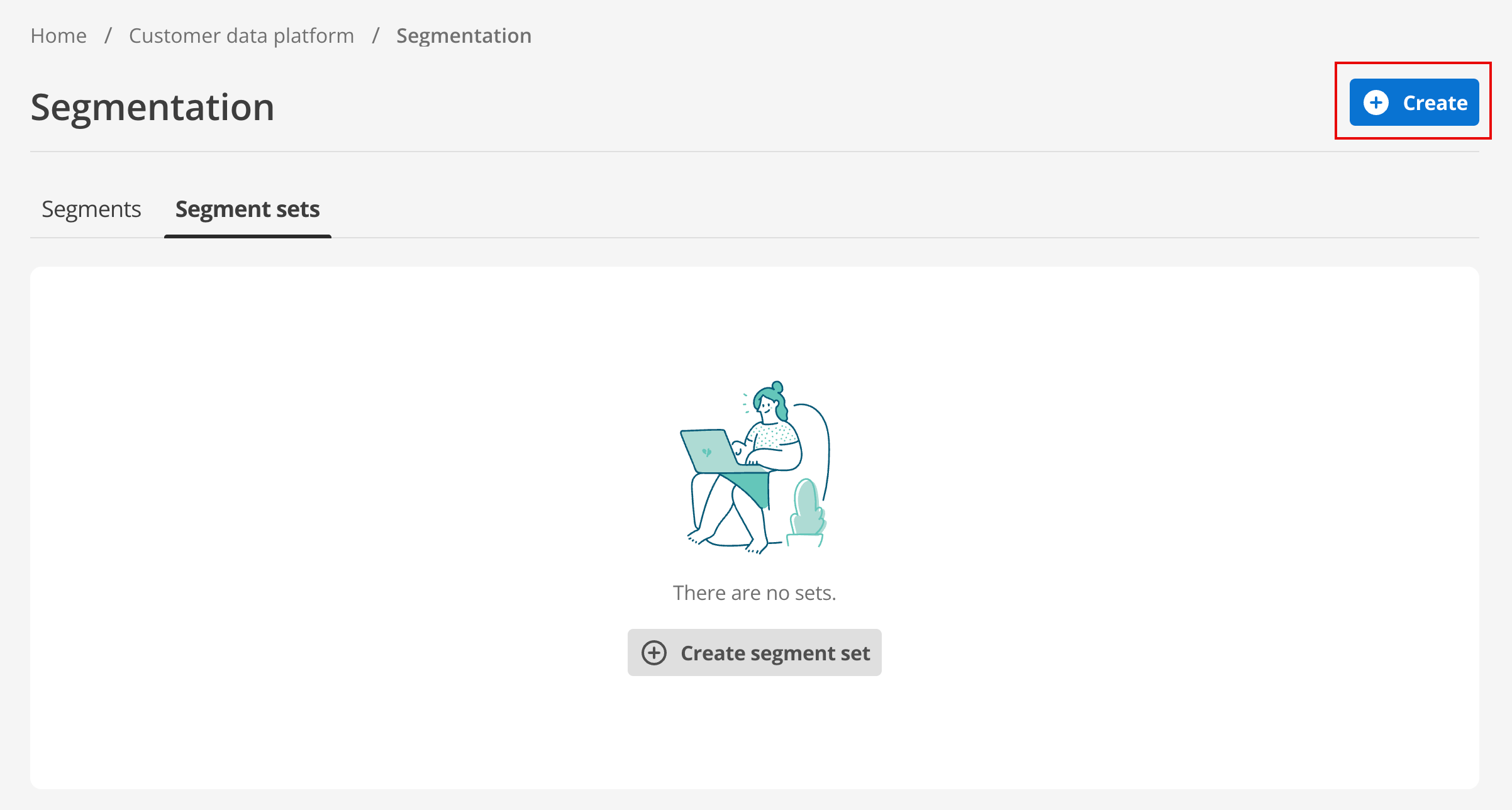 Figure 1. The 'Create' button in the Segment sets UI
 -
Enter a name and description for the segment set.
-
Click Create to save the set or click Cancel to discard the changes.
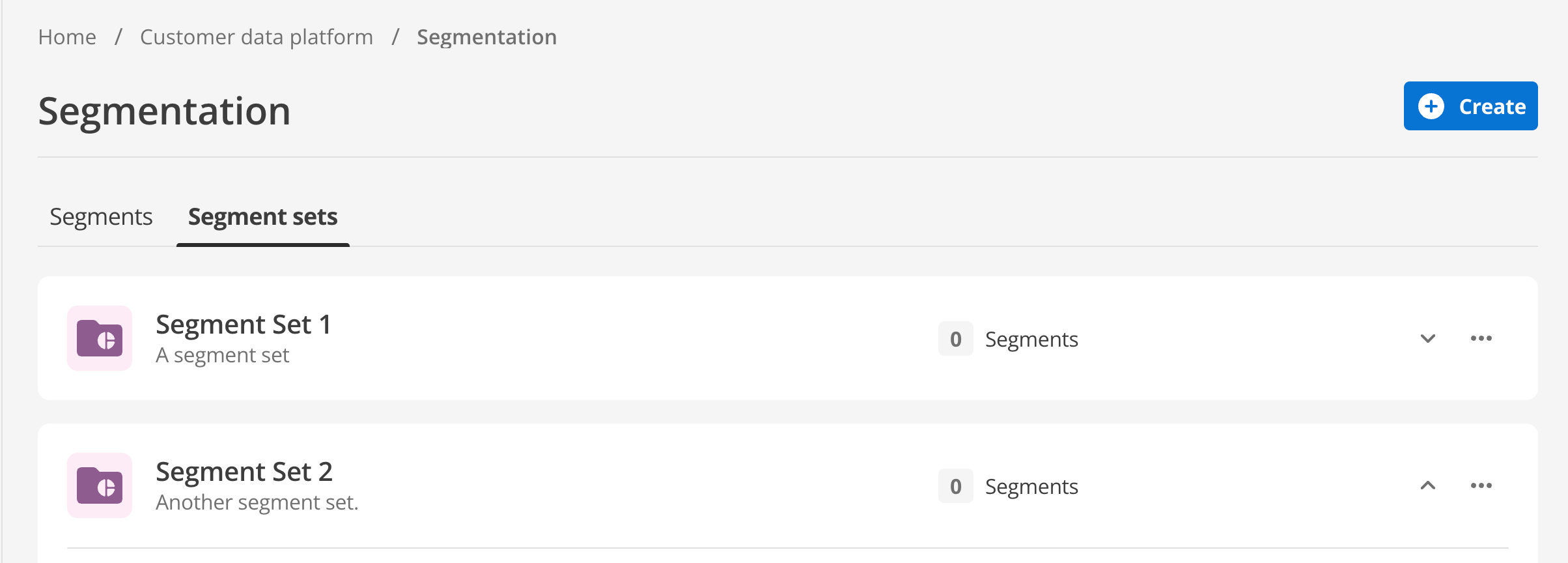 Figure 2. The segment sets list after segments have been created
To add segments into sets, use the Add button functionality within this console.
Impact of deleting segment sets
If a segment set is deleted in the Squiz CDP Console after it has been configured for a site in Matrix, the following behaviors occur:
-
The deleted segment set is automatically removed from the site configuration in Matrix.
-
If a site’s personalization list contains segments from the deleted set, previously applied personalization will show an error in the Visual Page Builder (VPB) to indicate the segment is unavailable.
-
The site configuration does not automatically fall back to global settings; a user must manually update the configuration to use global settings if desired.
-
If all segment sets are removed from a site’s configuration while the Specific segments option is selected, personalization is effectively disabled for that site as no segments remain available for assignment.