Administrators manage Spark in two places. In Squiz DXP, the Spark area controls whether Spark is on for your organization, the guidelines it follows, and its credits. In Squiz Content Management, system configuration controls which users see Spark.
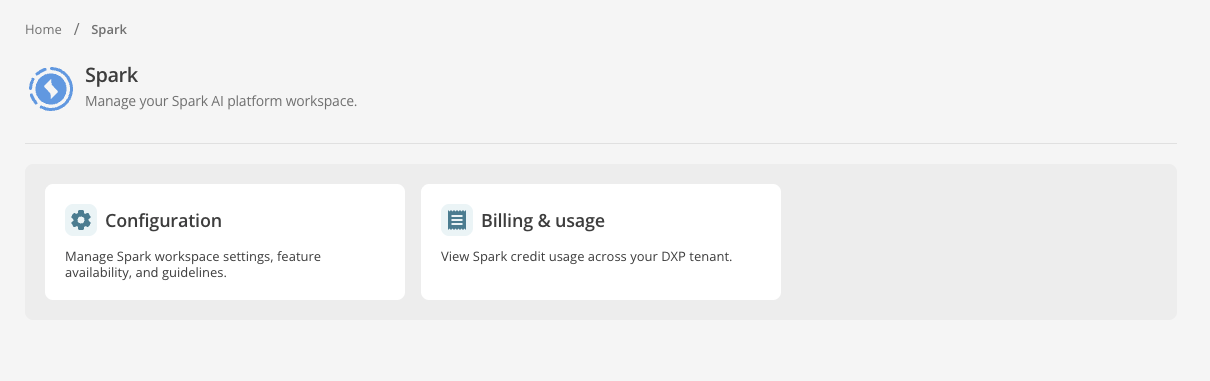
Figure 1. The Spark area in Squiz DXP.
Read the following documentation to administer Spark.
-
Turn Spark and its page creation feature on or off for your organization.
-
Allow all users, or only specific user groups, to use Spark in Squiz Content Management.
-
Set instructions that Spark follows every time it creates a page.
-
Understand how Spark uses credits and review usage.
-
Choose how credits are allocated, and allocate Spark credits to individual users.