File editor
Introduction
The file editing page allows you to edit a configuration file. For some files, the page will display a simple text box, while others will be displayed with syntax highlighting and additional options.
Editing
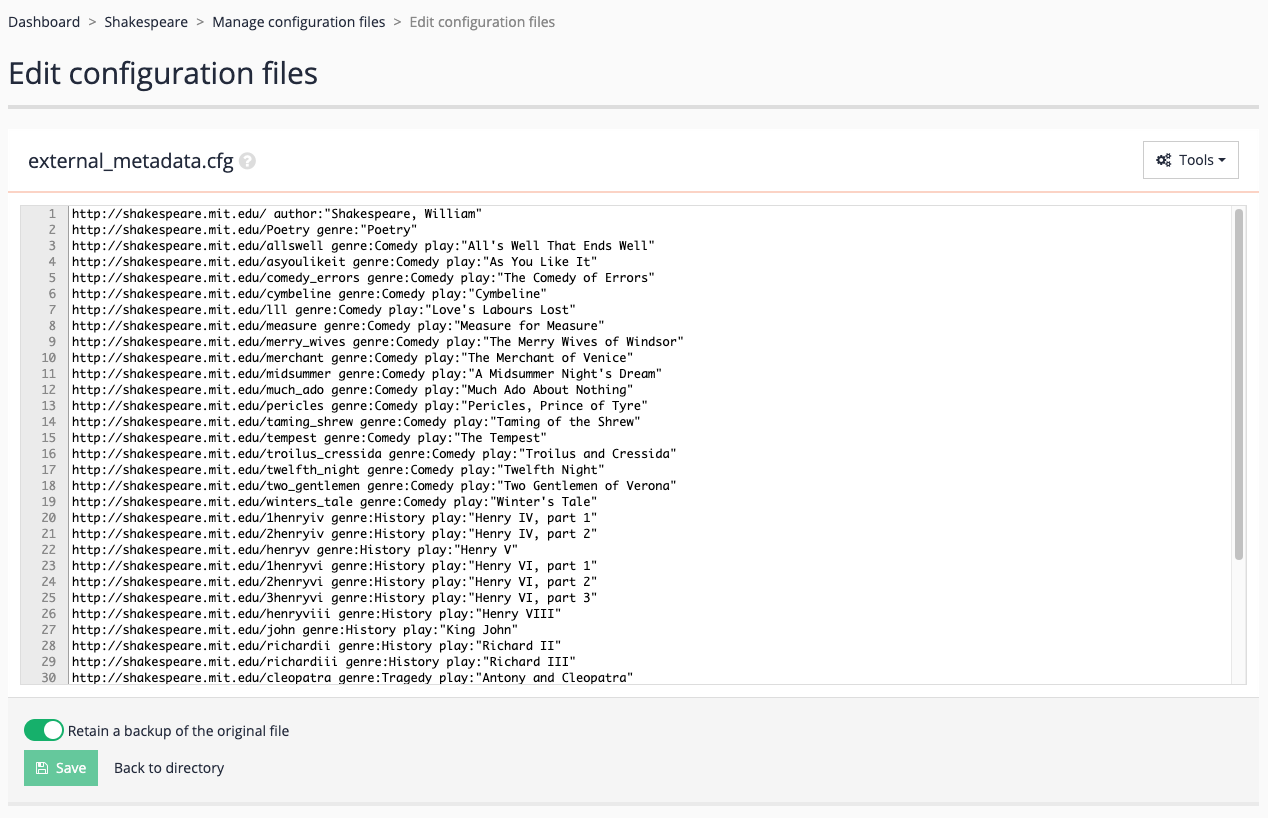
The screenshot below illustrates a basic edit example for the external_metadata.cfg file. This file can be edited as with any normal web text area.
Download
There is a download link should you want to keep a backup copy of the file on your workstation, or edit it there.