AI readiness data only displays on the dashboard once you Add a site to the Content Intelligence dashboard and begin monitoring topics.
If no topics have yet been monitored you will see a setup required status.
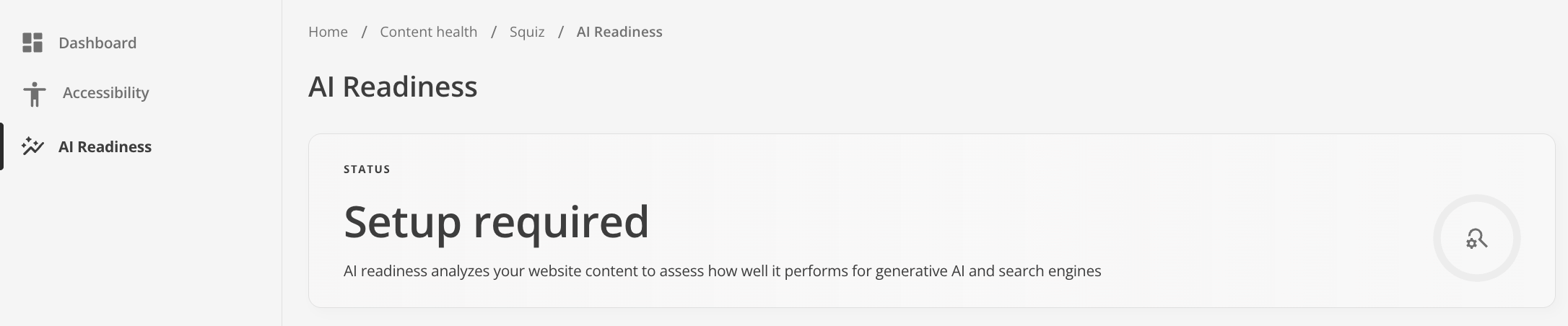
You will need to Monitor a topic area before you can receive insights about individual topics and your overall AI readiness status.
Once you are monitoring topics the dashboard will show the AI readiness status for each topic and your overall AI readiness status.
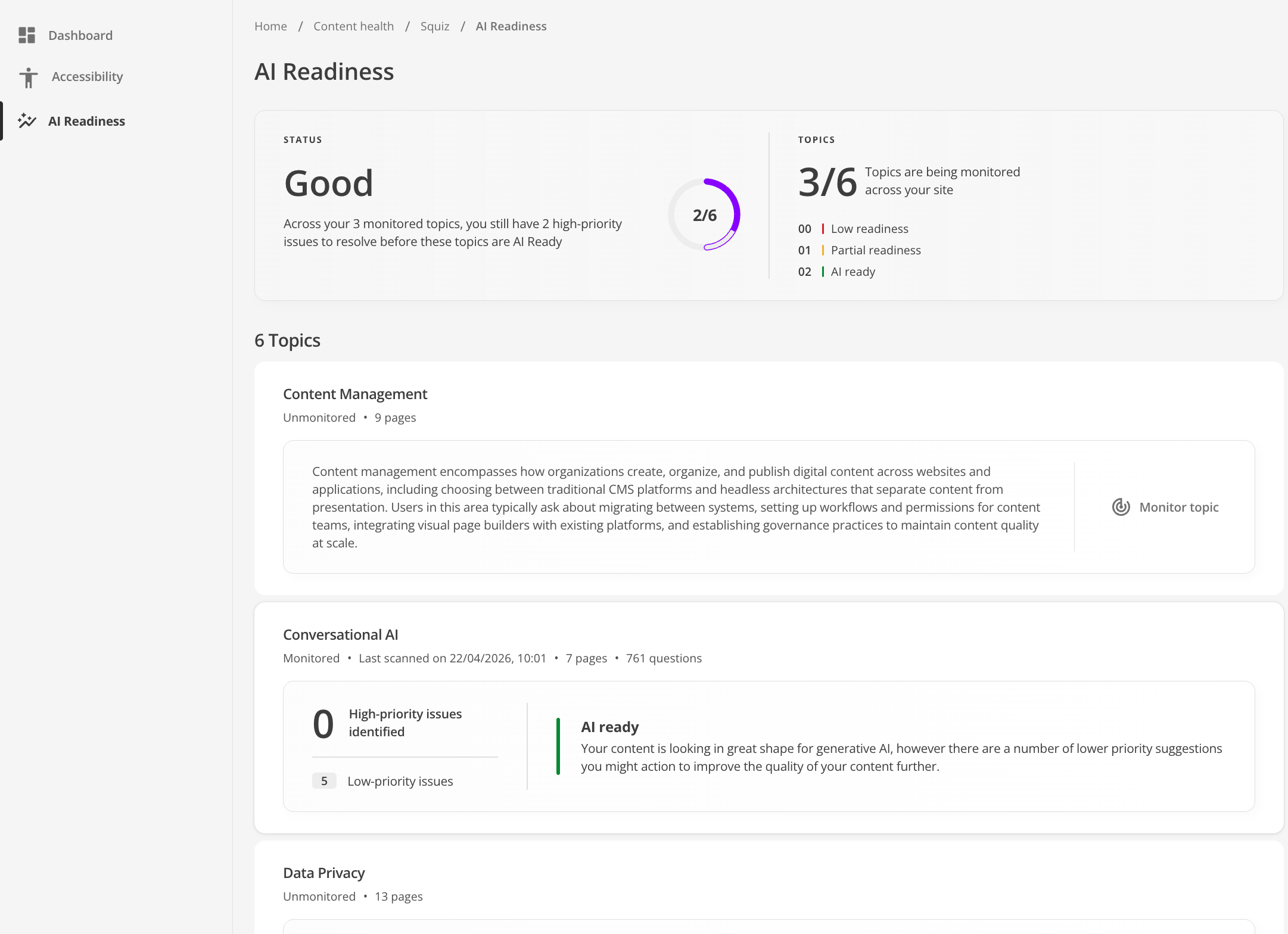

A description of your AI Readiness score as determined by the system.
The score is calculated based on the number of topics monitored, the number of AI-ready topics, the number of outstanding high-priority issues, and the number of outstanding low priority-issues.
- Setup required
-
No topic has finished its first monitoring scan.
- Underway
-
At least one topic is monitored, but none are green yet. You’ve started monitoring; work through high-priority issues toward the first “AI ready” topic.
- Good
-
Some topics are green, but not all topics on the site are green, and not every monitored topic is green. For example, mix of green/yellow/red among monitored topics, or green topics plus many still unmonitored.
- Great
-
Some topics are green but not all site topics are green, and every monitored topic is green however, all monitored topics are AI-ready; remaining gap is unmonitored topics.
- Exceptional
-
Every topic on the site is green. Copy differs if there are still low-priority issues site-wide vs none.
AI Readiness & Search FAQs
For deep dives into LLM processing boundaries and automated prompt categorization, review the AI Readiness Auditor FAQ.